


Monthly recap templates for Instagram
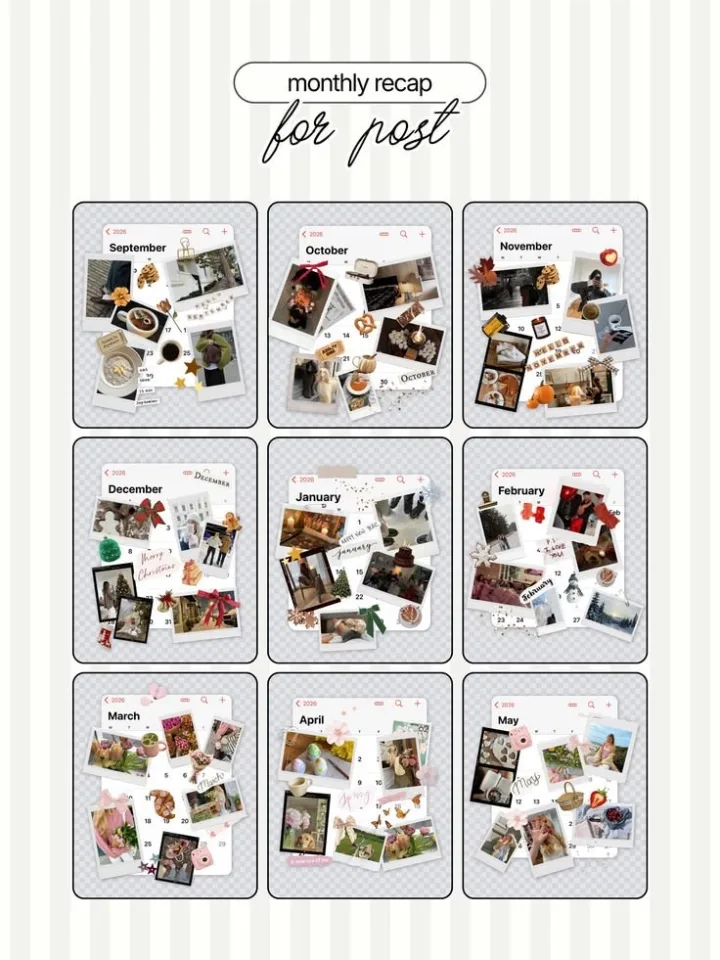
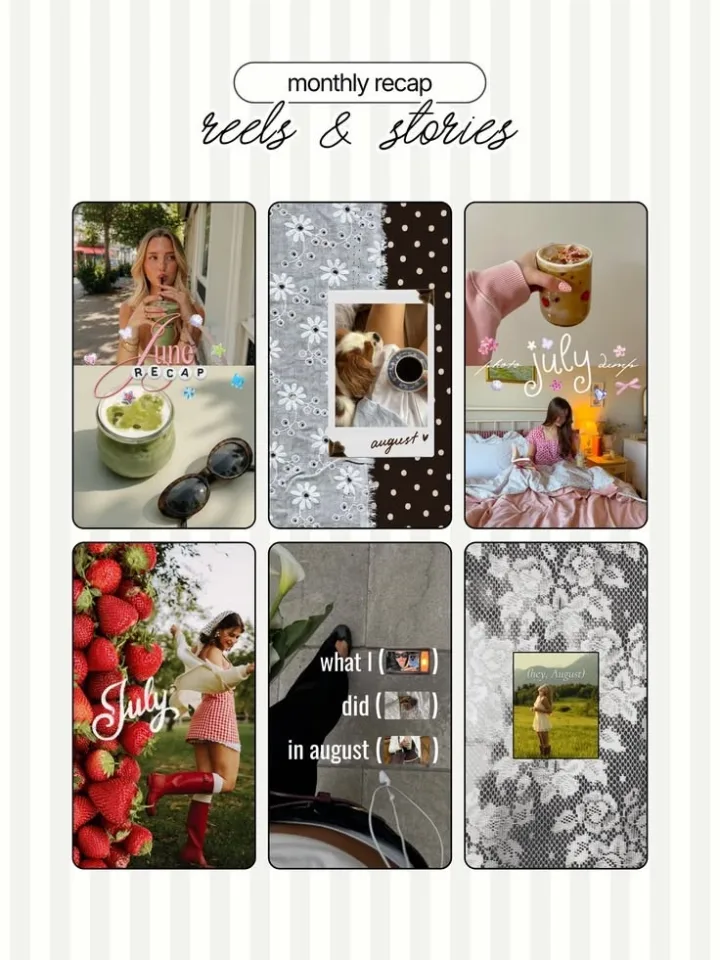
A monthly recap is a post or Story with the best photos of the month in one layout, also called a month dump. LOOMY has a Monthly Recap collection for posts, Reels and Stories, and new layouts come out through the year, including winter ones.

What you can make
| Recap post | A grid of photos with the month name on top, for a feed post or a carousel. |
|---|---|
| Recap for Reels and Stories | Vertical layouts with several photo windows for a Story or a Reel. |
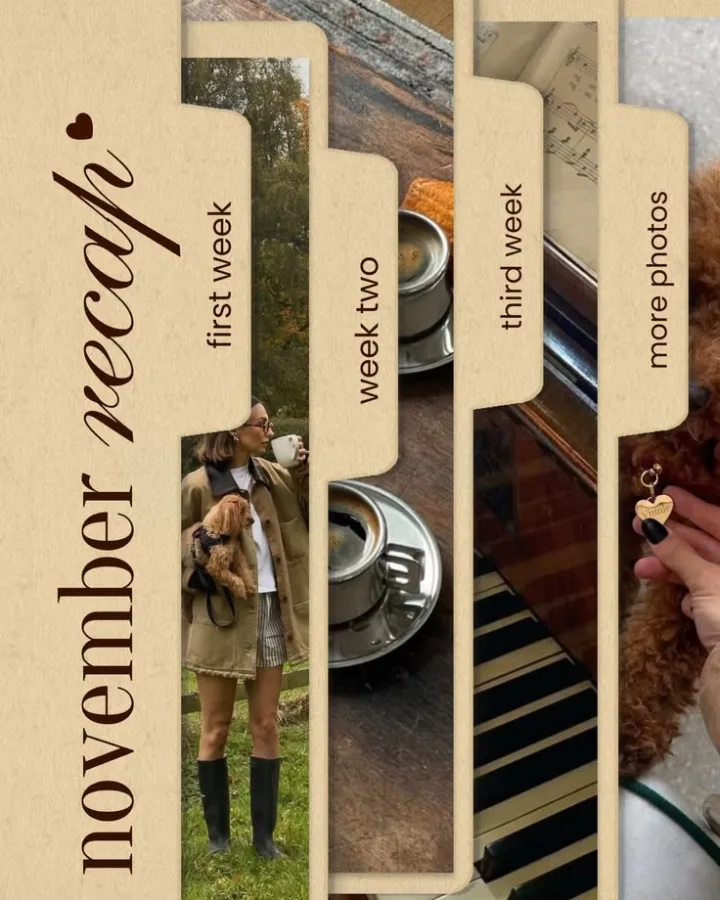
| Weekly recap | A layout split into weeks: first week, week two, third week and more photos. |
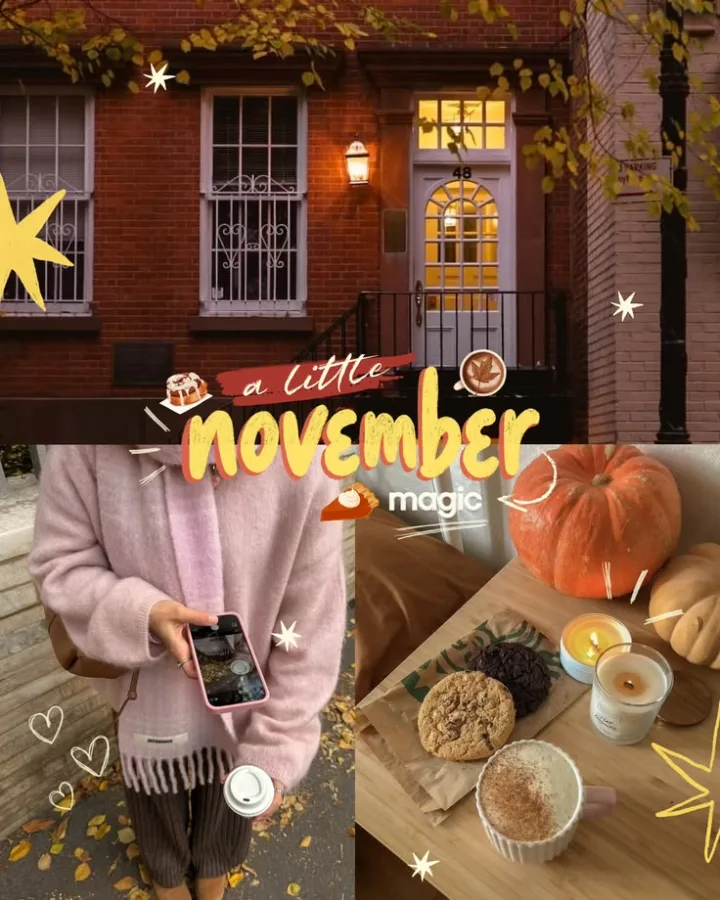
| Month dump | A collage with stickers and captions such as "November dump". |
| Calendars | Monthly calendar layouts and calendar stickers to mark the days of the month. |
| Seasonal sets | Autumn and winter layouts that come out in season. |
How to make a monthly recap
- Open LOOMY, go to Templates and open Monthly Recap.
- Pick a layout for a post, a Reel or a Story.
- Put in your best photos of the month and change the month name and captions.
- Add stickers if you like, then save it and post it to Instagram.
Questions
What is a monthly recap on Instagram?
A post, carousel or Story that sums up your month with your favorite photos in one design. Many people post it in the first days of the next month.
What is the difference between a photo dump and a monthly recap?
A photo dump is any loose set of photos. A monthly recap is a photo dump about one month, usually with the month name in the design.
Does LOOMY have monthly recap templates?
Yes. The Monthly Recap collection has layouts for feed posts, Reels and Stories, and new ones come out through the year.
Can I change the month name and the fonts?
Yes. You can change any text, font and color, and replace every photo with your own.
Are the templates free?
Part of the templates are free. LOOMY Pro unlocks all of them.
See also: Templates · Stickers · Font pairs
Last updated November 2026.