


Aesthetic stickers for Instagram Stories and photo dumps
LOOMY is an iPhone app with thousands of aesthetic stickers and design elements for Instagram Stories, posts, Reels and photo dumps. Put them on your photo in LOOMY, or copy a sticker and paste it straight into Instagram. New packs come out all year.

Sticker packs
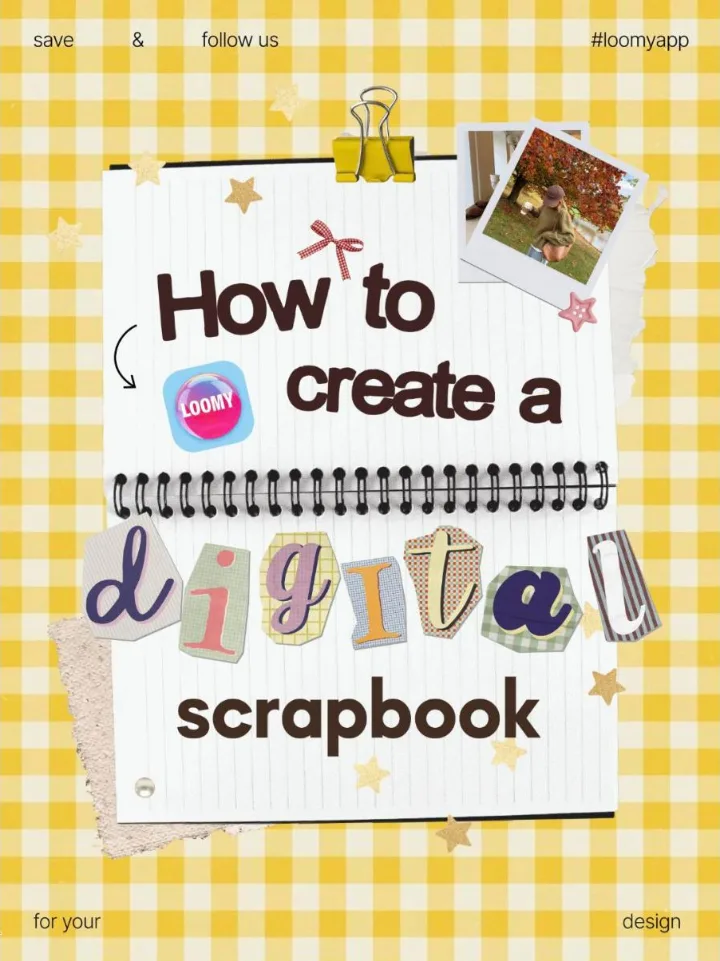
| Scrapbook | Collage letters, paper scraps, tape, paper clips, stars and Polaroid frames for a digital scrapbook. |
|---|---|
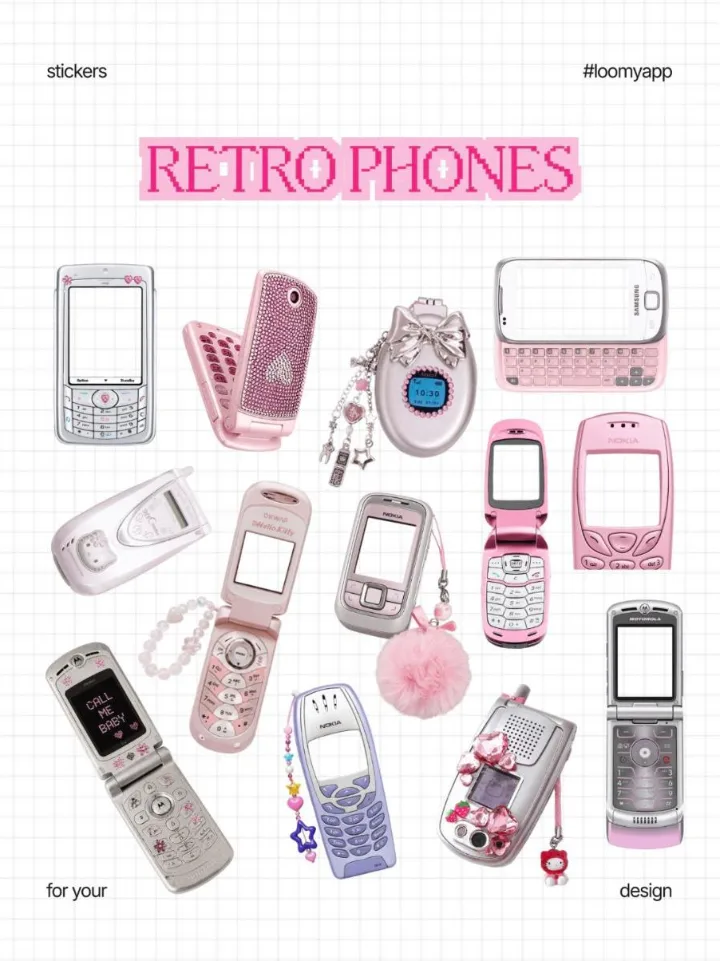
| Y2K and retro | Flip phones, digital cameras and other 2000s favorites as PNG stickers. |
| Bows, lace and pearls | Bows, crochet lace, pearls and gems. |
| Calendars | Monthly and seasonal calendar stickers for Stories and photo dumps. |
| Hand-drawn | Doodles, arrows, circles and underlines. |
| Stains and shapes | Soft blurred color stains, shapes and frames for backgrounds. |
| Your own stickers | Import your stickers and use them next to the LOOMY collection. |
How to add stickers to an Instagram Story
- Open LOOMY and go to Stickers.
- Pick a pack and tap a sticker to place it on your photo or video.
- Move, resize or recolor it. One-color stickers can take any color.
- Save the result and post it, or copy the sticker and paste it into your Story in Instagram.
Questions
Where can I get aesthetic stickers for Instagram Stories?
In LOOMY: thousands of stickers in packs such as Scrapbook, Y2K, bows and lace, calendars and hand-drawn elements. Copy a sticker and paste it into your Story, or design the whole Story in LOOMY.
Can I paste LOOMY stickers into Instagram?
Yes. Copy a sticker in LOOMY, open your Story in Instagram and paste it.
Can I change a sticker's color?
Yes, one-color stickers can be recolored to match your palette.
Can I add my own stickers?
Yes. Import your own stickers and use them next to the LOOMY collection.
Are the stickers free?
Part of the stickers are free. LOOMY Pro unlocks all of them.
See also: templates · fonts · Reel covers · Christmas stickers and fonts · Birthday Stories
Last updated November 2026.