


Weekly recap templates for Instagram
A weekly recap is a Story or post with the best photos of your week in one layout. LOOMY has weekly recap templates: layouts split into weeks or days with places for your photos and captions. Put in your photos, change the text and post.

What you can make
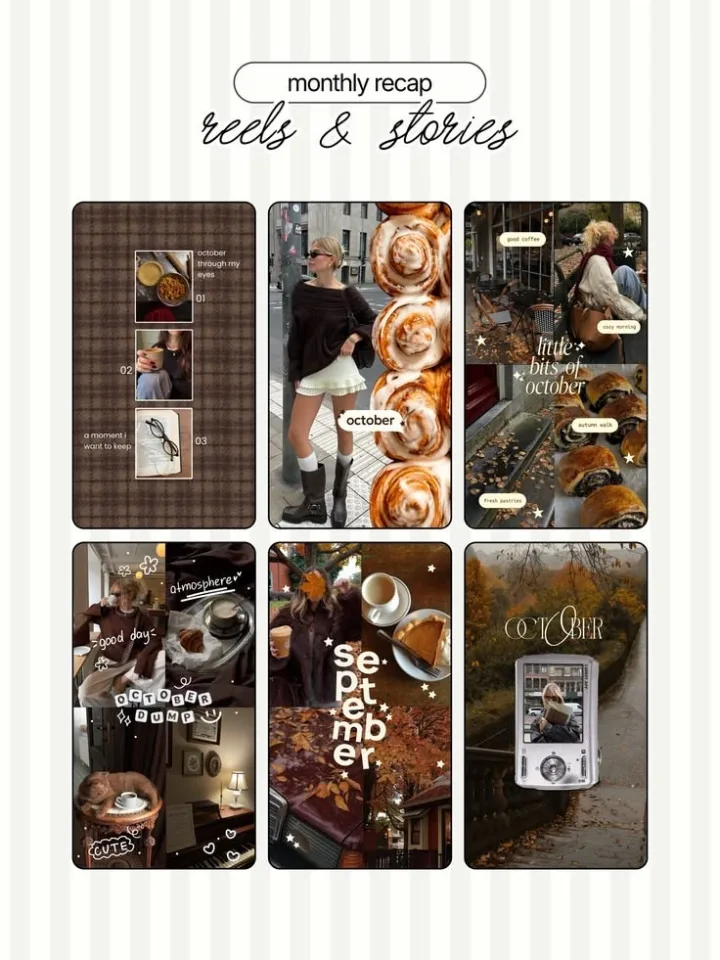
| Weekly recap Story | A vertical layout with photo windows for the moments of your week. |
|---|---|
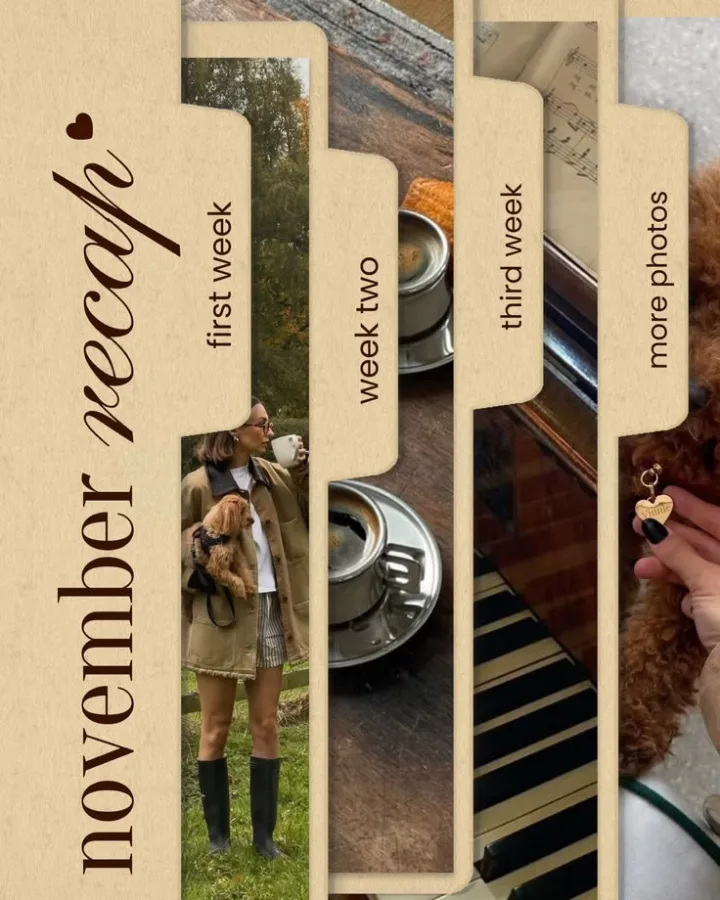
| Week by week | A layout split into weeks: first week, week two, third week and more photos. |
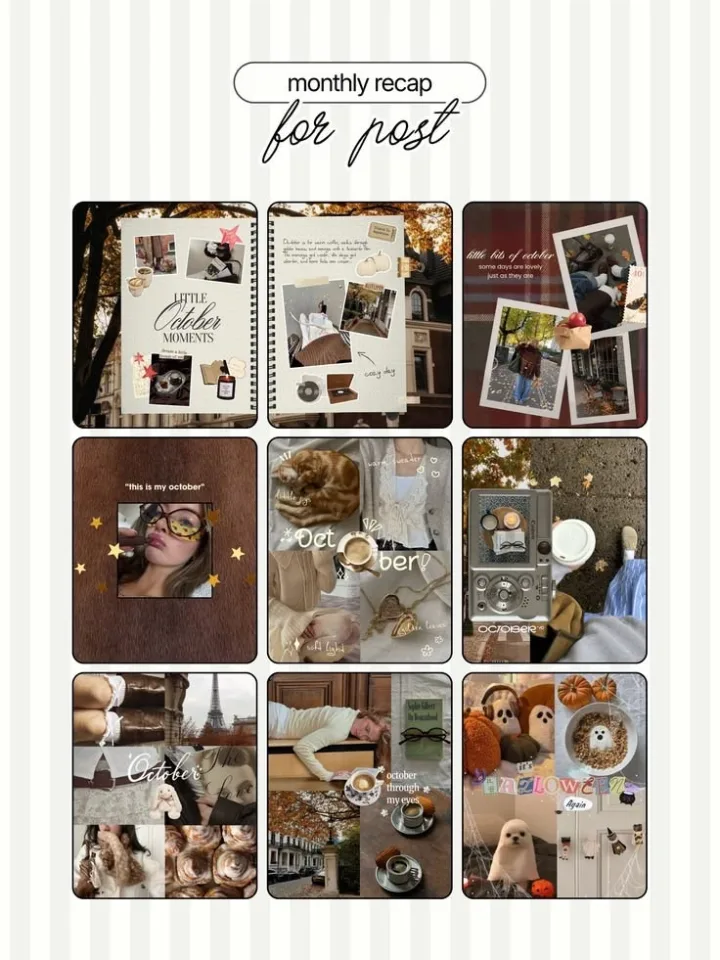
| Weekly recap post | A grid of photos with a title, for a feed post or a carousel. |
| From week to month | Post a recap every week, then put the best of them into a monthly recap. |
| Stickers and calendars | Calendar stickers and scrapbook elements to mark the days. |
How to make a weekly recap
- Open LOOMY, go to Templates and pick a weekly recap layout.
- Put in your best photos of the week.
- Change the title and captions, for example the dates or "week one".
- Add stickers if you like, then save it and post it to Instagram.
Questions
What is a weekly recap on Instagram?
A Story or post that sums up your week with your favorite photos in one design. Many people post it on Sunday.
What is the difference between a weekly recap and a monthly recap?
A weekly recap covers one week. A monthly recap covers the whole month, and you can build it from your weekly ones.
Does LOOMY have weekly recap templates?
Yes. LOOMY has weekly recap layouts with places for photos and captions for each week.
Can I change the text and the fonts?
Yes. You can change any text, font and color, and replace every photo with your own.
Are the templates free?
Part of the templates are free. LOOMY Pro unlocks all of them.
See also: Monthly recap · Templates · Photo dump
Last updated November 2026.